
An AI platform. Secure data. Cost-efficient AI usage.
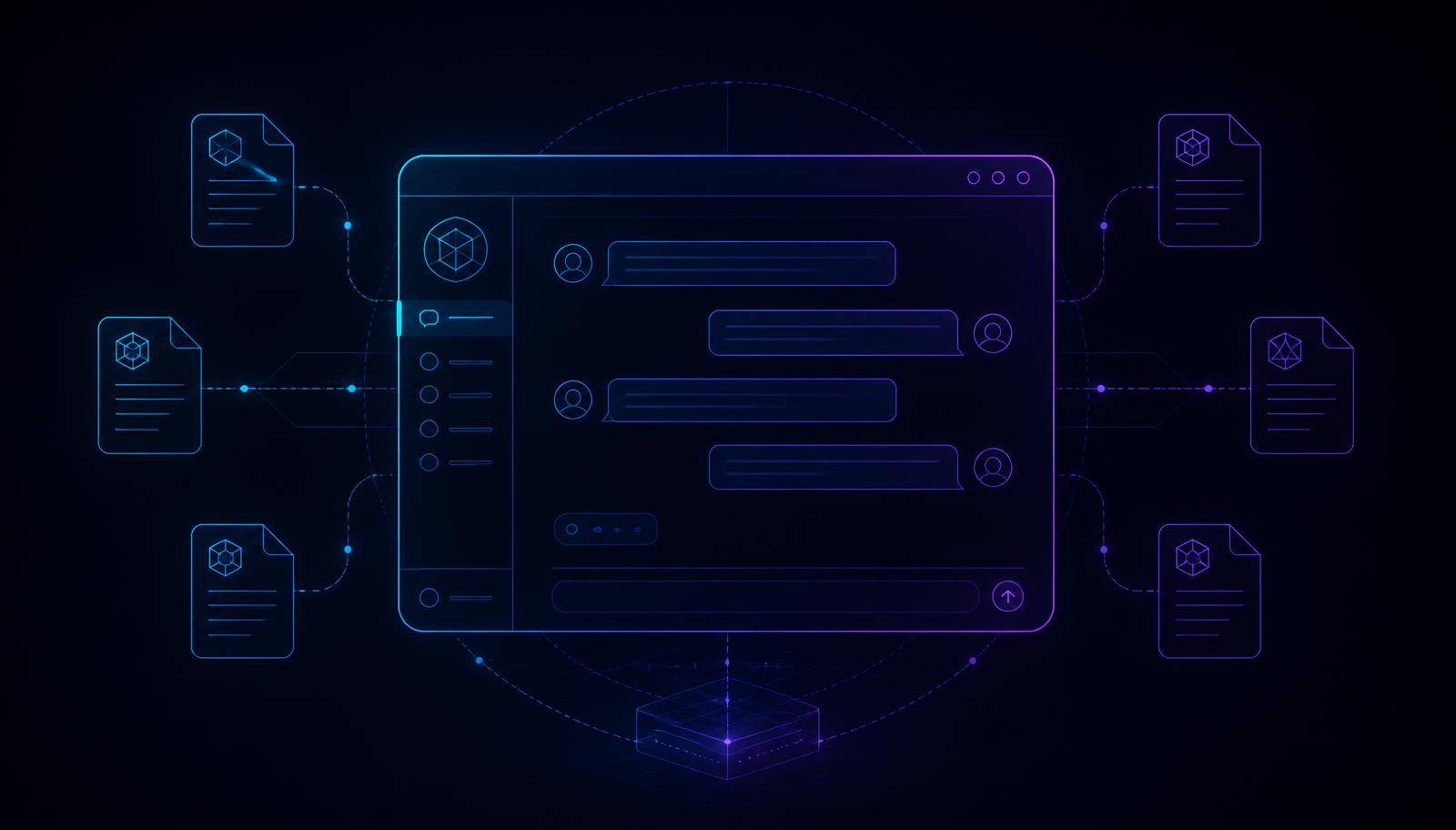
OpenWebUI gives you a ChatGPT-style interface of your own – in your cloud or your own data centre, connected to your models, your documents and your permissions. We build it so that people actually keep using it after week four.
- 300+
- Data & AI projects
- 1–3
- Months to go live
- 100 %
- Data under your control
- 2
- Locations in Germany


AI for everyone at work – without losing control
The need is the same everywhere: your people already use AI – privately and unmonitored. OpenWebUI brings that usage back into the company, with logging, permissions and your own content.
Runs in your environment
Azure, AWS, your own Kubernetes clusters or on-premise. Prompts and documents never leave your infrastructure.
Any model you want
Azure OpenAI, Claude, Mistral or local open-source models – usable side by side and swappable at any time.
Knowledge from your documents
Connected to SharePoint, Confluence, file shares or your data platform: answers with sources instead of hallucinations.
Cost and usage in view
Consumption per department, limits, and reporting on which use cases actually save time.
What we build around OpenWebUI for you
The interface installs quickly. The difference lies in integration, permissions, content and operations – exactly where we come in.
Platform & operations
An installation that holds up to security and IT requirements.
- Deployment in Azure, AWS or on-premise
- Single sign-on via Entra ID or Keycloak
- Role, group and permission model
- Monitoring, backups and an update path
Model integration
The right model per use case instead of a one-size-fits-all setup.
- Azure OpenAI, Anthropic Claude and Mistral
- Local open-source models for sensitive content
- Routing and fallback between models
- Cost control through budgets and limits
Knowledge integration (RAG)
Answers based on your documents – traceable and up to date.
- Integration of SharePoint, Confluence and file shares
- Indexing from lakehouse and databases
- Source references and permission filters
- Automatic refresh of the knowledge base
Assistants for business units
Preconfigured assistants instead of an empty prompt box.
- Assistants for sales, procurement, HR and service
- Reviewed prompt templates in your tone of voice
- Integration with business systems via tools and APIs
- Reporting on which assistants get used
Security & compliance
Documented and auditable – from the works council to internal audit.
- Logging and retention rules
- GDPR-compliant operating model
- Classification under the EU AI Act
- Filters for personal and confidential content
Rollout & enablement
So the platform is genuinely used after launch.
- Pilot group with concrete use cases
- Training and office hours for business units
- Editorial process for assistants and content
- Usage reporting and continuous improvement
Why companies build their AI platform with us
We come from data engineering and analytics. An AI interface is not an end in itself – it is the gateway to your knowledge, and that knowledge sits in systems we have been integrating for years.
- We connect the platform to your real data sources, not to a demo folder full of PDFs.
- Permissions are preserved: if someone may not see a document, they will not get it as an answer either.
- We say openly which use cases pay off and which are cheaper with classic automation.
- Enablement instead of dependency: your IT runs the platform itself in the end, we stay in the background.
Typical OpenWebUI projects
Company-wide AI assistant
Instead of private accounts, the whole workforce uses an approved interface with sign-in, logging and vetted models.
Shadow AI back under governance
Knowledge search across internal documents
Policies, proposals and technical documentation are indexed – answers come with a link to the source document.
Search time cut from hours to minutes
Assistant for customer service
An assistant with access to ticket history and manuals supports the handling of customer requests.
Faster and more consistent answers
From first idea to an AI platform people use
Use cases & ground rules
We collect real use cases, clarify data protection, works council and IT requirements, and prioritise by value.
Set up the platform
Installation, single sign-on, permissions and model integration – production-ready in your environment.
Pilot with real users
One department works with connected knowledge and preconfigured assistants in daily business.
Roll out & operate
More departments, training, usage reporting and handover to your own operations.
You don't want chat – you want automation?
If AI should take on tasks in development and data operations by itself, agentic engineering with Claude is the way to go.
Frequently asked questions
Do we need our own hardware for this?+
No. In most cases the platform runs in your existing cloud and uses hosted models in Europe. Your own GPUs only pay off for highly sensitive content or high sustained volume.
How do we prevent someone getting answers from documents they may not see?+
The knowledge integration inherits permissions from the source system. Answers and sources are filtered before they appear in the interface.
What does it cost to run?+
The software itself is open source. Costs come from hosting and model usage – typically a low single-digit amount per user per month. We calculate it upfront using your usage figures.
How does this fit the EU AI Act?+
An internal assistant usually falls into a low risk class, but still requires transparency, training and documentation. We deliver the classification and the necessary paperwork.
Who you will be talking to
No call center or sales rep. You talk directly to the people at Ailio who carry responsibility and make decisions.

Aleksander Fegel
CEO & Founder
“We prefer talking straight about your data situation and exciting use cases – without buzzword bingo or endless slide decks.”

Dr. David Geisel
Chief Data Officer
“We'll tell you honestly where your fastest lever is – and what you should put on hold for now. ”
30 minutes of straight talk about your own AI platform.
We look at your use cases, your IT landscape and your data protection requirements – and tell you what is realistically achievable in the first few weeks.
- Outcome: prioritised use cases and an effort estimate
- Honest assessment of operations, cost and data protection
- Free of charge and without obligation
Preparing appointment calendar …
Not ready to book, but you have a question?
Send us a message with no strings attached – we reply within one working day.
Send a no-obligation request